Quick Login
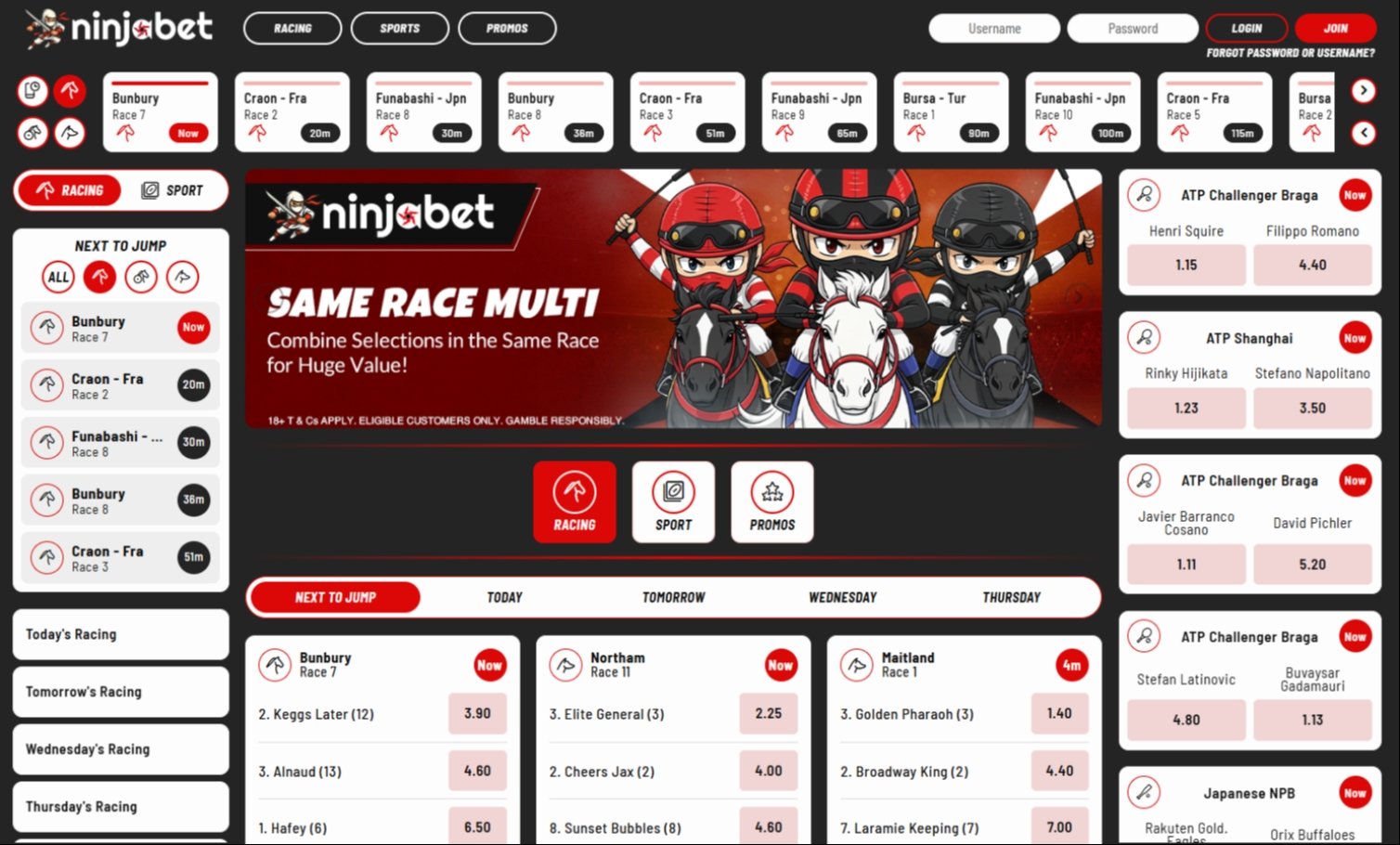
Sign in to your Ninjabet account at ninjabet.com.au via the Login button in the top-right of the homepage. The same login works for the iOS and Android apps. Use the email address you registered with and the password you set at sign-up.
If you have forgotten your password, use the "Forgot password" link on the login screen, Ninjabet will send a reset email to the address registered on your account.
Login problems and fixes
Sometimes problems can occur when trying to login to Ninjabet, below are some of the main problems and what causes them.
- "Invalid credentials" - your email or password is wrong. Use the Forgot password link.
- "Account locked" - Ninjabet locks accounts after five failed login attempts. Wait 30 minutes
- or contact support.
- "Account suspended" - your account has been suspended for KYC or responsible-gambling reasons. Contact Ninjabet support on the in-app chat or by emailing the support address listed on the website.
- "Can't find the app" - Ninjabet has both an Android (via Google Play) and an iOS app. Search "Ninjabet" in your appstore
Account verification and BetStop
Ninjabet, like every Australian-licensed bookmaker, must verify your identity before you can place your first bet. Have your driver's licence, Medicare card, or passport ready. If you have signed up for BetStop (the national self-exclusion register), Ninjabet will not be able to verify your account.
Responsible gambling and deposit limits
Set a deposit limit before you fund your account.
Ninjabet supports daily, weekly, and monthly deposit limits, time-out functions (24 hours to 7 days), and self-exclusion (90 days to permanent). All four can be set from the Settings menu in the app or on the web.
Ninjabet Review & Sign-up Code
See our full review of Ninjabet which includes up to date information on odds, racing markets, withdrawal speed, the exotic-bet max-payout warning and the GenerationWeb platform that powers it.
The Sign-Up Code for Ninjabet is BOOM. Check out our top list of sign-up codes for all legitimate Australian Bookmakers
The Sign-Up Code for Ninjabet is BOOM. Check out our top list of sign-up codes for all legitimate Australian Bookmakers
Ninjabet Frequently Asked Questions
How do I log in to Ninjabet?
Visit ninjabet.com.au and click the Login button in the top-right corner. Enter your registered email and password.
Why is my Ninjabet account locked?
Ninjabet locks accounts after five failed login attempts. Wait 30 minutes and try again, or contact support.
How do I reset my Ninjabet password?
Click "Forgot password" on the login screen. Ninjabet will email a reset link to your registered email address.
Is there a Ninjabet app?
Yes, Ninjabet has both an iOS and an Android app. Search "Ninjabet" on the App Store or Google Play.
What if I have signed up for BetStop?
You cannot open a Ninjabet account if you are on the BetStop national self-exclusion register.